Powerful features for shipping with proof
Everything freelance developers and agencies need to quote, build, test, sign off and hand over client projects, with every approval on record.

Daily Work Logs
Log what you completed in seconds. Pick a work type, add a description and screenshots, and move on.
- 30-second logging interface
- 15 work-type categories (bug fix, feature, review, and more)
- Image attachments for context
- Natural-language quick logging
- Full history searchable by project
Notes
A rich-text space for anything that isn't a dated log entry — meeting notes, onboarding docs, a running list of gotchas — with control over exactly who can see or edit each one.
- Rich-text editor with headings, lists, and formatting
- Three visibility levels: Private, Public, or shared with specific teammates
- Per-member View-only or Can-edit permission on shared notes
- Searchable alongside everything else via global search
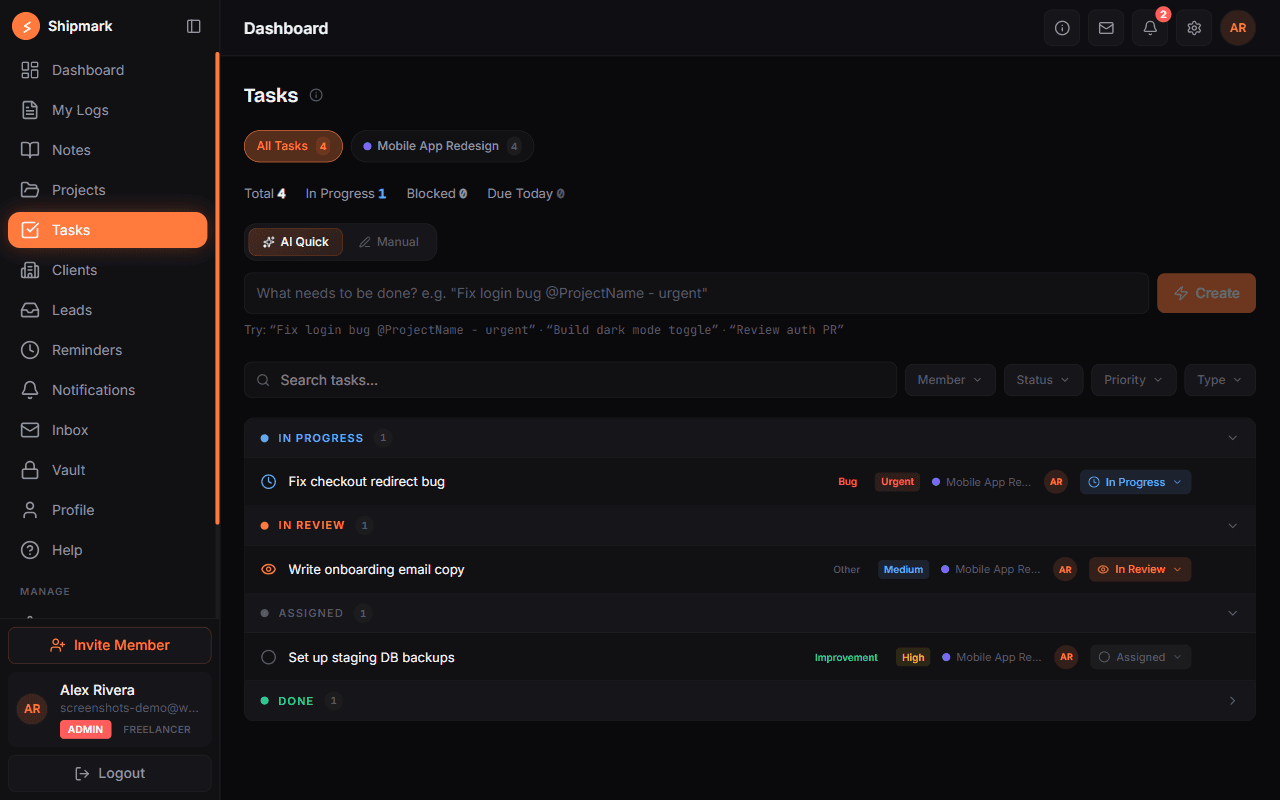
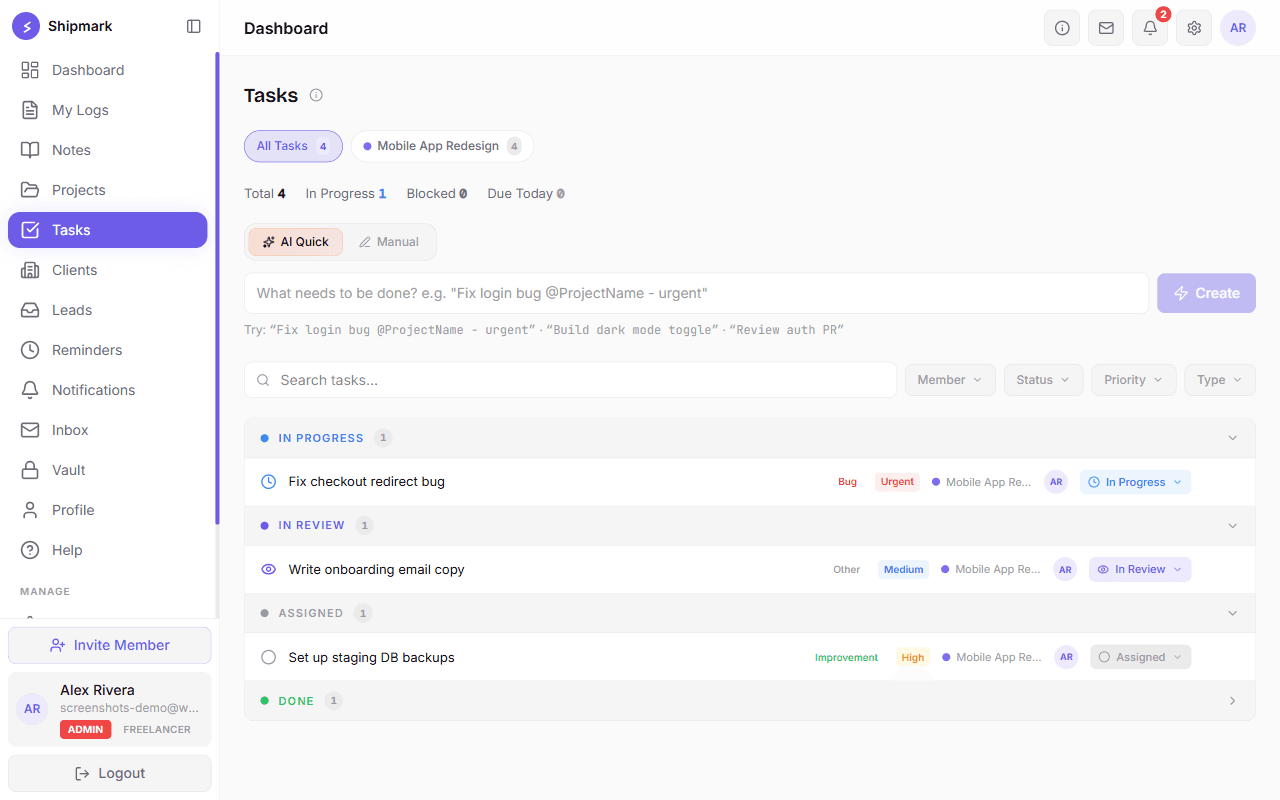
Task Management
Assign work, track priority and status, and keep the conversation attached to the task itself instead of scattered across chat.
- Assign tasks to teammates with priority and due dates
- Comment threads on every task
- Link tasks directly to approved client requirements
- Filter by status, assignee, or project

Build-Step Checklist
Purpose-built for AI-assisted "vibe coding" workflows: break a project into build steps and never lose context between sessions again.
- 6 starter templates (Next.js app, React Native, API, and more)
- AI-generated build steps
- Assign up to 10 people to a single step, each with their own status
- Organize steps into renameable milestone groups
- Tag steps with your own custom categories, not just fixed statuses
- Required notes when a step is paused or blocked
- Markdown export to hand off or resume anywhere
Testing Management
Prove work was actually verified, not just built. Organize test cases into suites, execute them against a real pass/fail lifecycle, and file a bug straight from a failure.
- Test suites group related cases together
- Permanent execution history — retesting never overwrites a past run
- File a bug directly from a Failed or Blocked result
- Bulk-add a batch of test cases at once
- A 4th data source in Reports, alongside logs, tasks, and checklist steps

Client Directory
Keep every client, service, and payment status in one place — the starting point for the whole client journey, from first lead to renewal.
- Embeddable lead capture widget for your own site — submissions land in a review inbox, not a disconnected email
- Domain, hosting, SSL, and email expiry tracking
- Payment status: paid, pending, overdue, partial
- Automatic renewal and overdue email alerts
- Per-client service history
- Status filters across your whole client list
- See average client response time on scope approvals and invoice payments
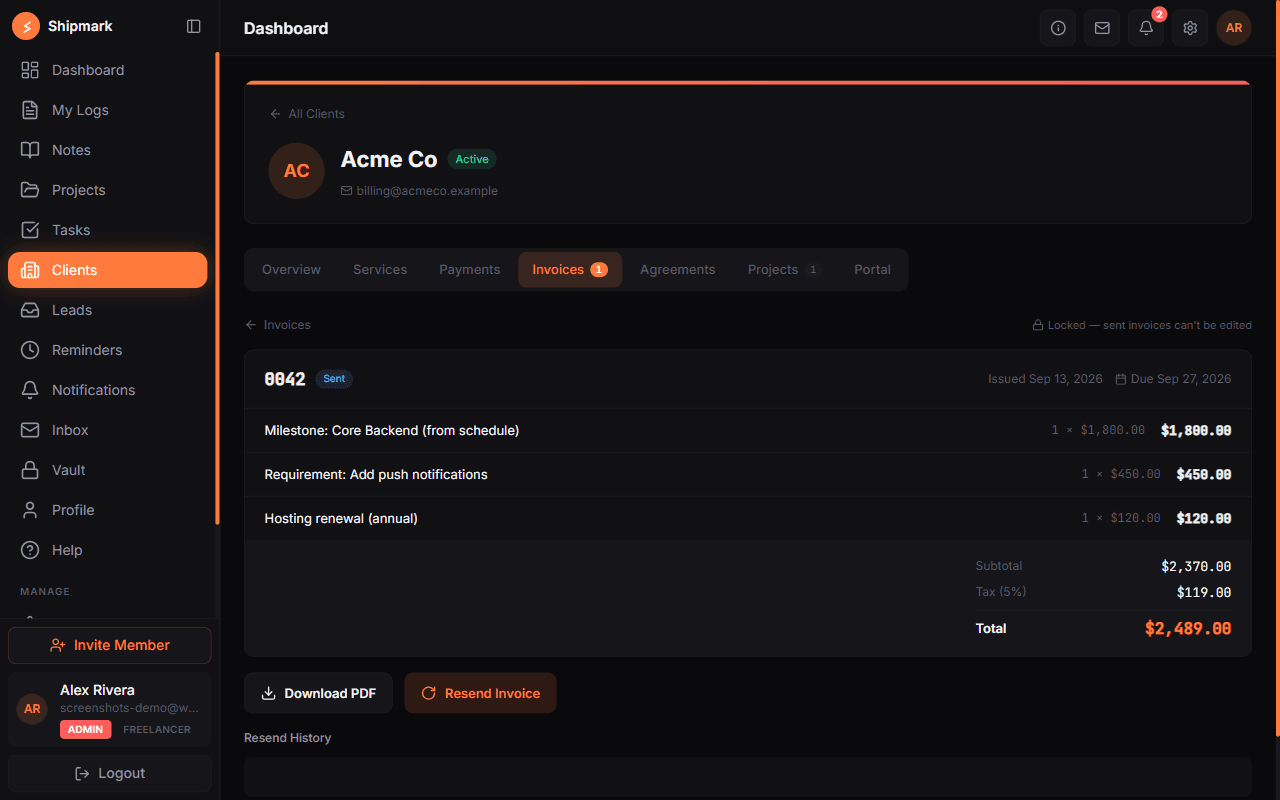
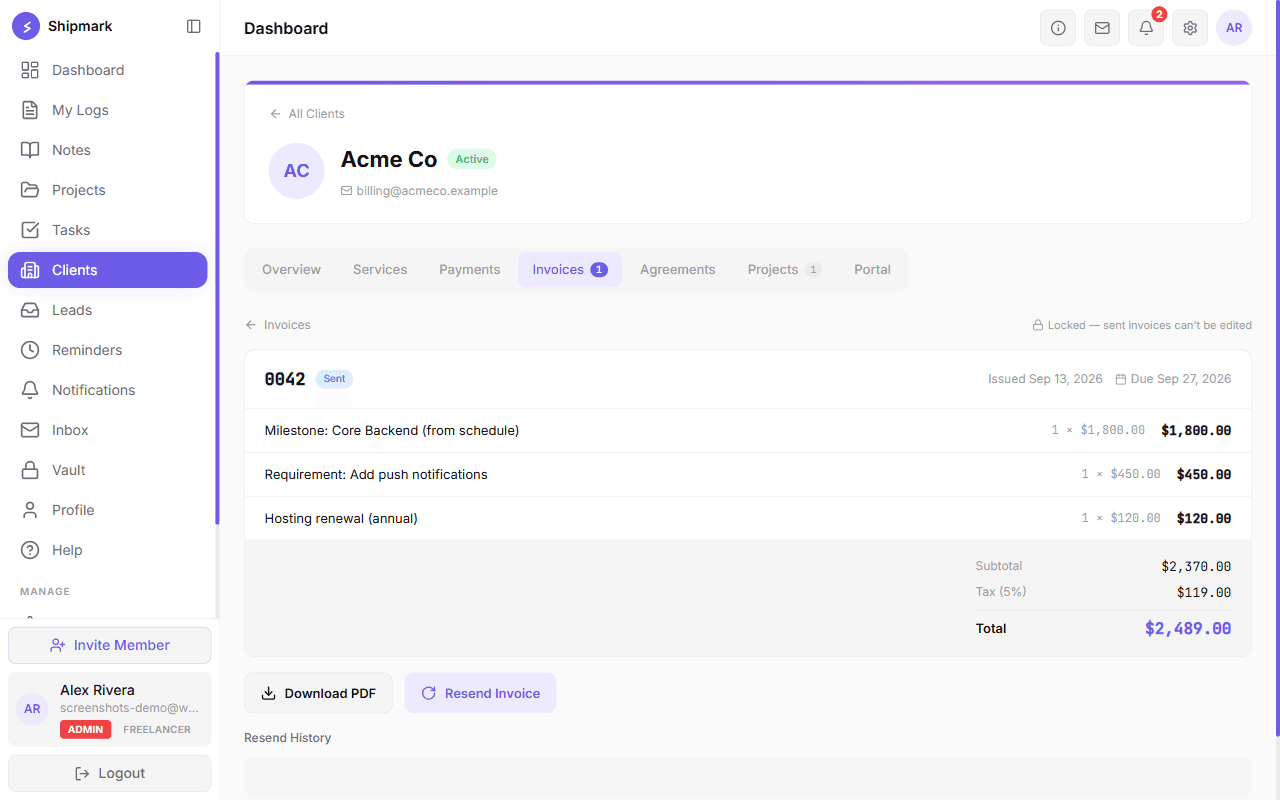
Invoicing & Payment Schedules
Turn approved work into a professional invoice in a few clicks — or set up milestone-based payment schedules that draft invoices automatically as work is completed.
- Generate invoices from completed requirements and logged work, or add custom line items
- Milestone-based payment schedules tied to a contract value or a fixed amount
- Auto-drafts an invoice the moment a linked checklist step is completed
- Branded PDF invoices emailed straight to your client
- Track paid, pending, and overdue status per client

Scope Tracker & Client Portal
Stop scope disputes before they start. Collect requirements through a shareable link or a secure client login, get scope changes digitally confirmed, and share real-time progress back through a branded portal.
- Public intake link, or a secure client login with a one-time email code (no password)
- Approve or reject requirements, then link them to tasks or checklist steps
- Scope changes require the client's own digital confirmation before work resumes
- A live timeline of requirements, logged work, checklist milestones, and invoices
- Optional payment-progress view so clients see what's paid and what's upcoming
Deal Pipeline & Client Story
Track every deal from first conversation to win or loss, and see the full history of a client on one page instead of hunting through tools.
- Pipeline board for your deals, with discovery, solution, and demo notes on each one
- Winning a deal needs an agreed quotation; losing one needs a reason
- A Client Story tab that shows sales, billing, delivery, and success history together
- Every important change is recorded in an activity history
- Team members see only the leads, clients, and deals assigned to them
Quotations & Contracts
Send a priced quotation, get it agreed, then turn it into a signed contract — all with a link your client can open, no account needed.
- Price lines, extra services, discount, and tax (with a workspace default tax rate)
- The agreed total becomes the contract value
- Quotations and contracts are versioned: approved ones are never edited, changes create a new revision
- Client reviews and signs from a public link, with a PDF copy
- Record the client’s purchase order number, date, and file on a signed contract
Payment & Project Start
Start work only when the basics are in place. Payments link to invoices, and a project waits in “Awaiting start” until its checks are done.
- Invoices show Paid and Partly paid status based on recorded payments
- An “Awaiting start” stage with a start checklist before work begins
- Managers press Start when the checks pass
- An admin can override a missing check, but must write a reason
UAT & Go-Live
Give your client a clear way to test and sign off before launch, and keep a record of exactly when you went live.
- UAT test suites the client can run through
- Client sign-off on UAT from a public link
- A go-live record with live URL and version
- Go-live approval, with clear In UAT and Live stages on the project
Handover & Closure
Finish projects properly: hand over everything the client needs, get it acknowledged, and close with a summary you can look back on.
- A handover pack with files and notes
- Client acknowledgement of the handover
- Close a project with a closure summary, and reopen it if needed
- Closed projects show clearly in the client portal
Customer Success & Renewals
Keep clients after the project ends. Check in, watch their health, ask for a review, and never miss a renewal.
- Check-ins with an adoption status: Active, Low, or Not using
- A client health level (Good, Watch, At risk) you can override by hand
- A client review request after closure, with a 1–5 rating and comment
- Renewal dates, plus renewal and expansion deals in the same pipeline
- Record churn with a reason
- A “Needs attention” card on the dashboard, plus renewal and check-in reminders
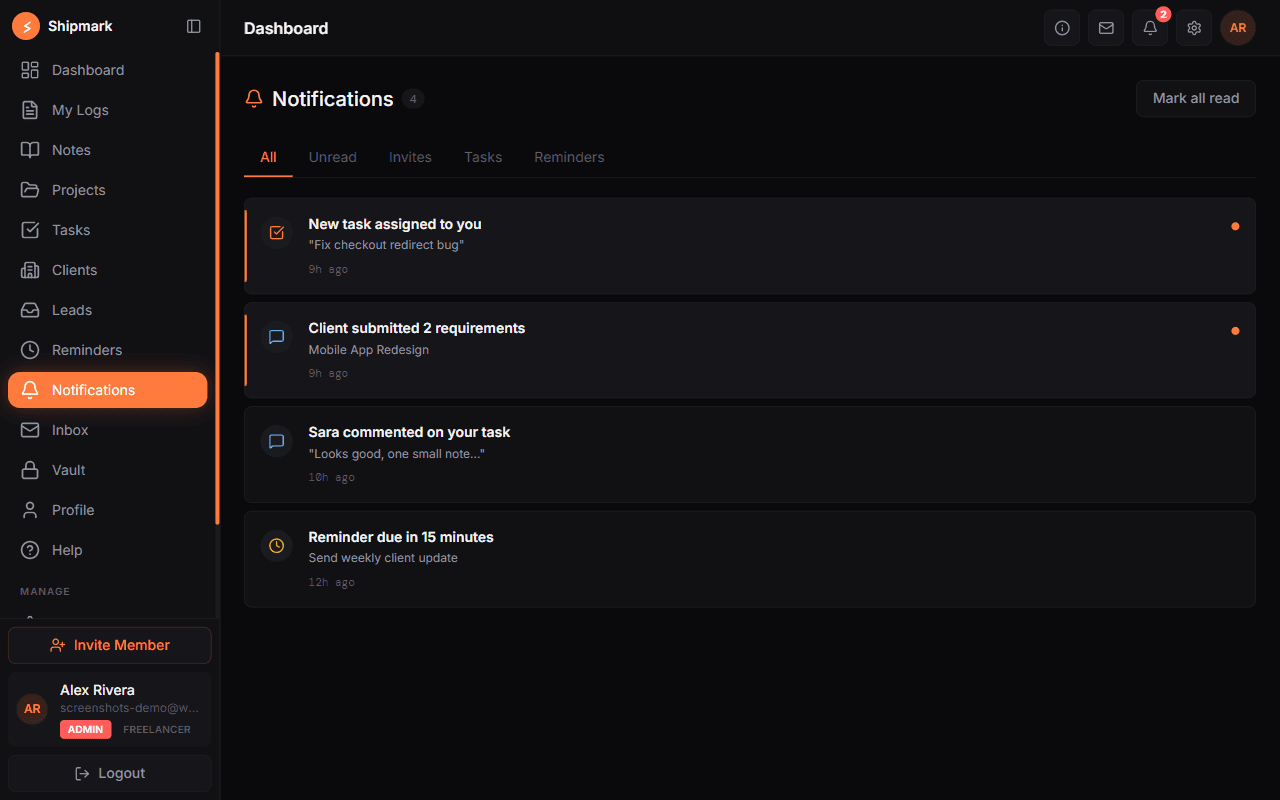
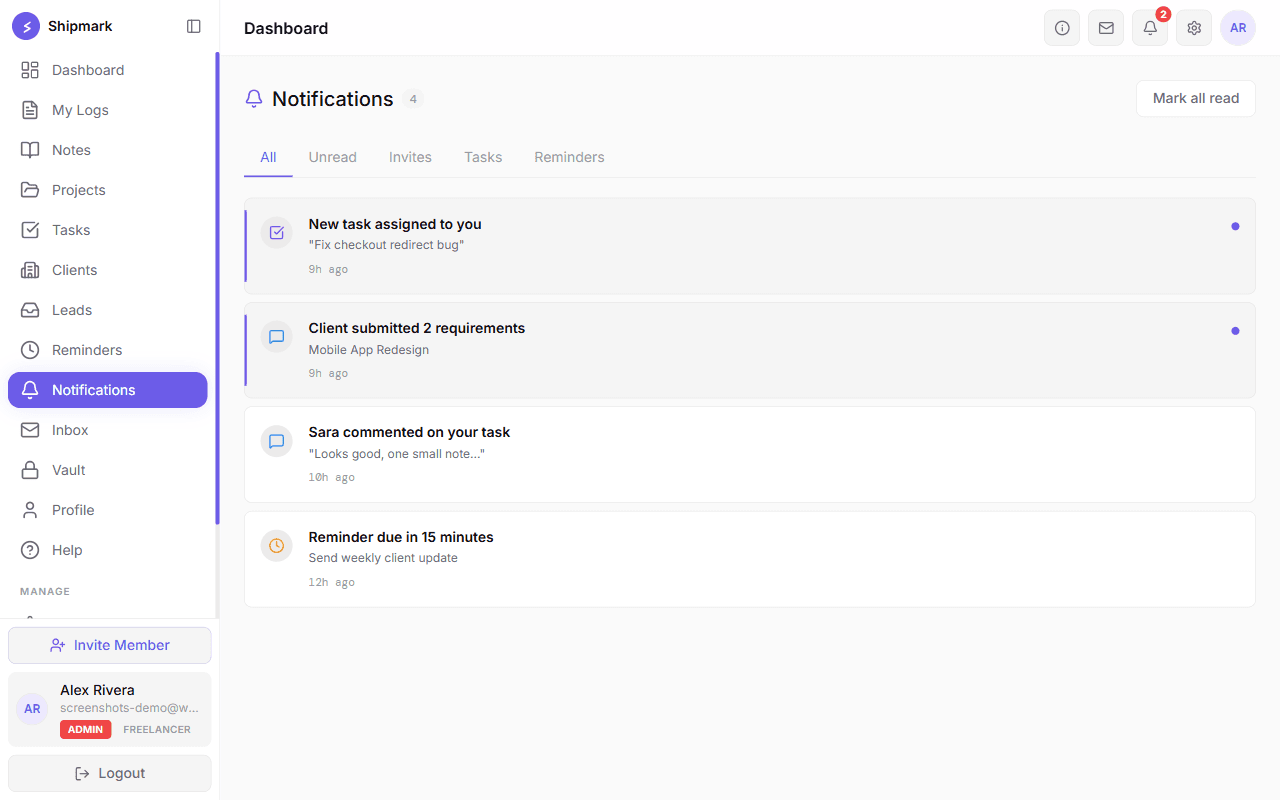
Notifications
Know the moment something needs your attention, without refreshing anything.
- Task assignments and comments
- Client requirement submissions and reviews
- Reminder due-dates
- Team invites and blocker reports
Global Search
Press ⌘K from anywhere and jump straight to a project, task, client, note, or vault item — no more guessing which page it lives on.
- Searches Projects, Tasks, Clients, Notes, and Vault in one place
- Results respect the exact same permissions as browsing each page directly
- Keyboard-first navigation (Up/Down/Enter)
- Opens instantly with ⌘K / Ctrl+K from any screen

Encrypted Vault
Store passwords, links, and private notes with client-side AES-256 encryption. Only you hold the key.
- AES-256 client-side encryption
- Invisible to managers and teammates
- Pin frequently used entries
- Bulk import from existing password managers
- Rekey support if your master key changes
- Optional two-factor authentication (authenticator app) to protect your account sign-in

Manager Dashboard
See exactly what your entire team did today, without a single status meeting. Filter by project, member, or date.
- Real-time team activity overview
- Blocker detection across all logs
- Project-level analytics
- Team activity reports — work type, project, and member breakdowns for any date range
- Role-based access (Member / Manager / Admin)
MCP Integration
Connect Claude Code, Claude Desktop, or Cursor directly to your Shipmark workspace, so your AI assistant can create tasks, log work, and update your checklist without you touching the UI.
- Works with Claude Code, Claude Desktop, Cursor, or any MCP-compatible client
- Create tasks, log work, and add checklist steps straight from your assistant
- Personal API tokens generated and revoked from Profile, shown once at creation
- One CLI snippet to connect a client — no manual server config
- Every AI-initiated action passes the same workspace, project-access, and plan-limit checks as a person using the app
Ready to ship with proof?
Free for everyone during our beta — no plans, no limits.